Make a show worth coming back to.
AI is great at moments. A show lives on continuity. Showspring keeps your characters, their voices, and your world consistent from the first episode to the fiftieth, on a channel that stays entirely yours. It knows what happened last week, so every episode builds on the one before. You direct every step.
What you get, honestly You get the full studio today. You pick the video engine per episode — Google Omni or Veo — and bringing your own Google key unlocks the whole Veo lineup. Publishing to your own channels is a guided step with us rather than a button; self-serve publishing, and more engines over API, are still to come. Everything above is proven in weekly production on the flagship.
You direct. The studio does the rest.
You make the calls; Showspring does the production. It generates every step and you approve, override, or send it back. Nothing publishes that you did not sign off on.
Watch an episode find its angle.
Pick a topic and watch competing pitches get written and scored — a faithful recreation of how every episode starts in the app, where your show bible constrains every pitch to your world. The winner is where your story begins.
Built for people running a show.
Built first for the solo showrunner — and structured so anyone running an episodic show works the same way. One person runs the whole pipeline; the studio carries the production weight.
A one-person studio with a weekly slot.
You've got an idea with characters and a format — a true-crime weekly, a kids' read-along, a sports desk, a news-desk parody. You don't have a writer's room, a voice actor, an animator, or an editor. Showspring is all four. A blank page one weekend, a published episode the next, not a season of evenings.
Graduate without the recording day.
You've been on audio. You want to be on YouTube. You don't want to block out four hours a week to record talking-head footage you'll have to edit. Write the outline; Showspring casts and shoots it.
Episodic content, not one-offs.
Most AI video is a single shiny clip. Treat it as a show instead — recurring characters, ongoing storylines, weekly cadence. Each show lives as its own project in the header switcher.
Have a show in mind?
Tell us the show your audience should come back to every week — a sentence is enough to start.
Try it now →There are a lot of AI video tools. This is a different job.
Showspring sits in a gap none of the familiar names fill: episode-first, bible-driven, shipping to your channel. Here's the map.
Showspring is overkill for one clever clip and the wrong tool for corporate training — the map above names who to use instead. We're built for the moment you decide to run a show, not produce a video.
A quiet tool, mid-episode.
A peek at the app mid-way through building an episode. Project switcher, six-step pipeline, per-clip dialogue, character bible — rendered in the live Graphite theme.
The real thing, caught mid-shift.
Raw screenshots of the current build — same Graphite palette as the marketing site, because they share tokens. No mockups below.
See what running it feels like.
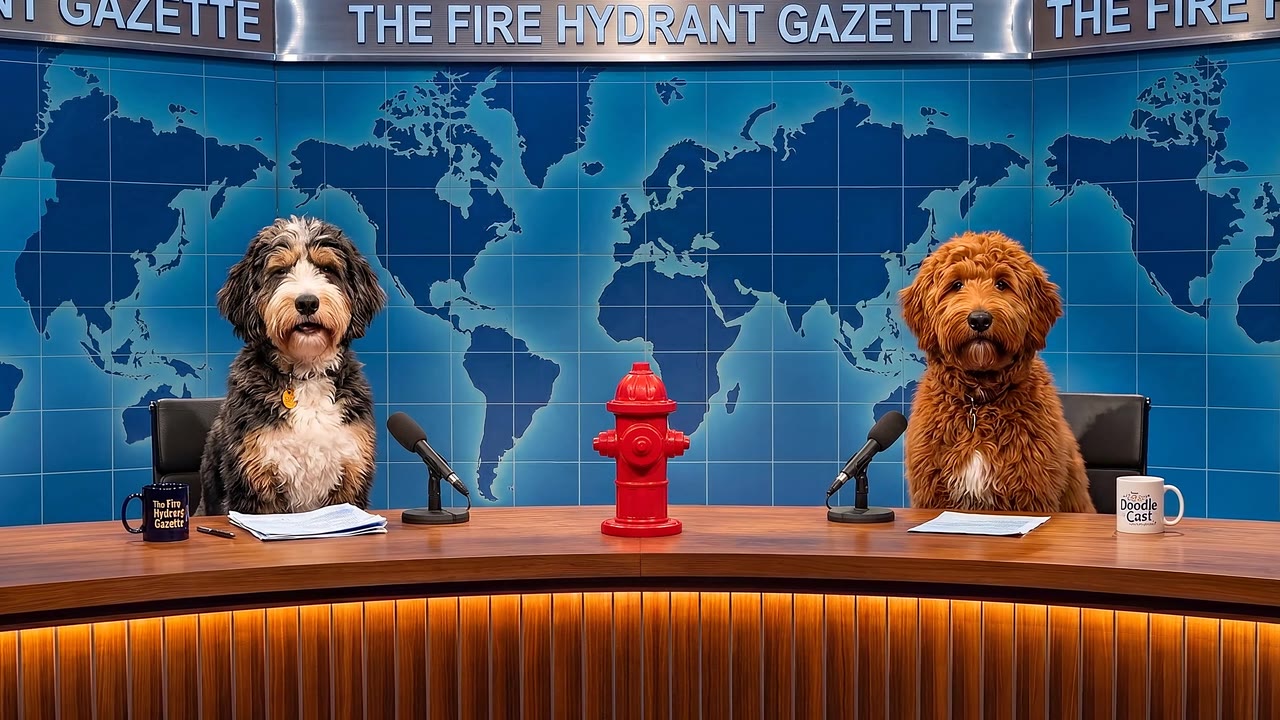
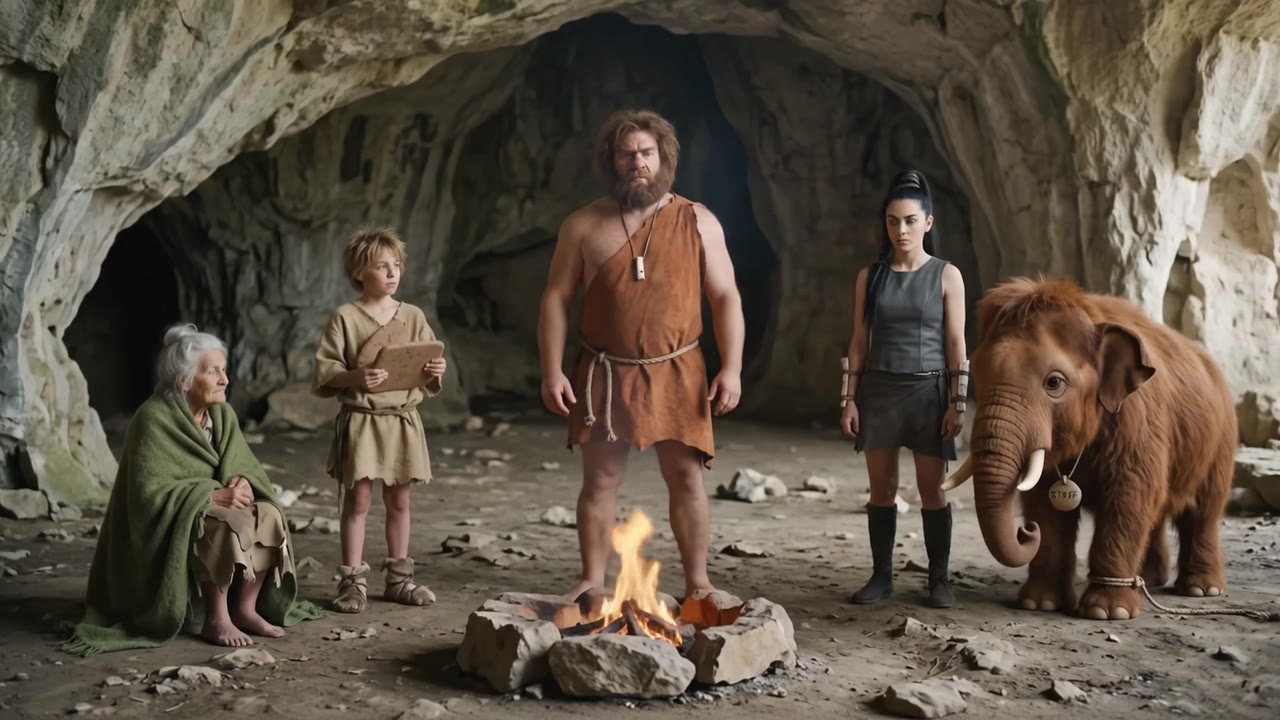
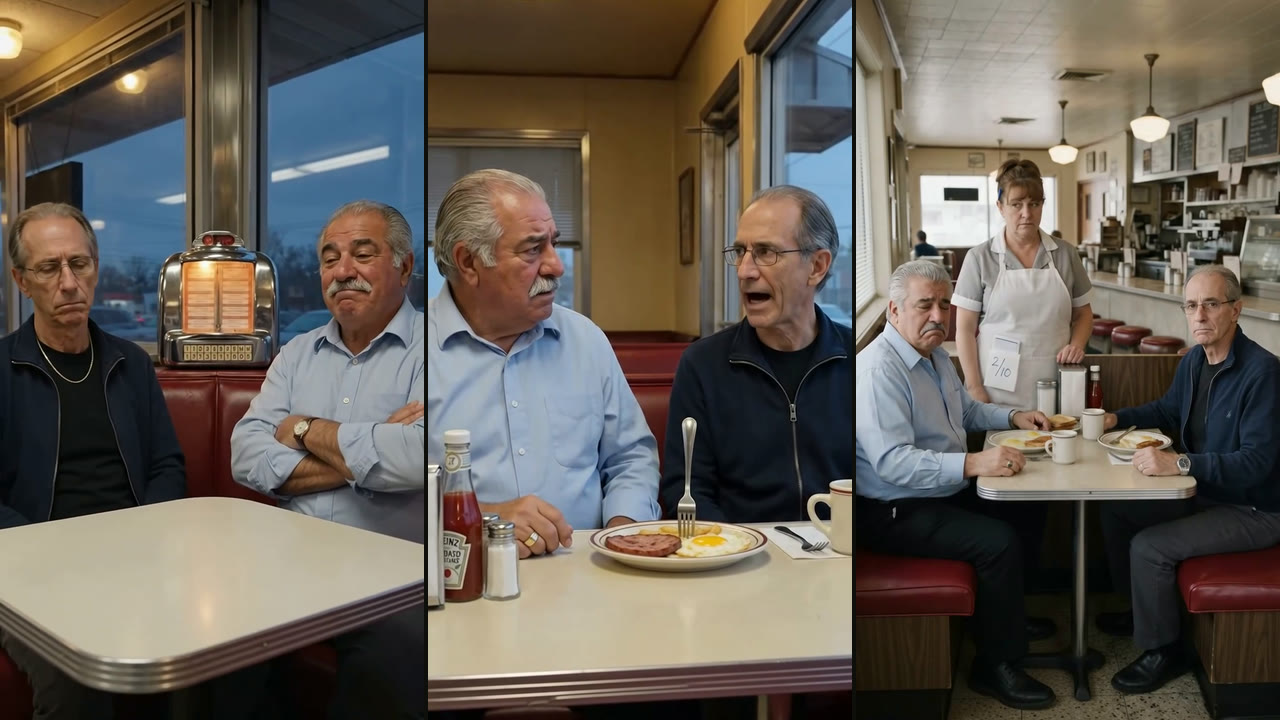
It opens on one great shot and ends on what a studio looks like — real scenes from The Doodle Cast, then the app itself mid-episode. One director, every episode. Best with sound on.
Want the whole pipeline? Rusty — the show's own host — narrates all six steps, from blank page to a file on your channel.
On the air — and getting sharper.
Flagship first: The Doodle Cast is produced and published through Showspring end to end — three full episodes and about two dozen shorts in recent weeks, one person operating it. More creators' shows stream here as they publish.
More shows join as creators publish. Browse everything streaming on Showspring →
-
v0.29.0 · May 30, 2026
Product analytics across the app
- See how your show is doing. Page views and activity events, episodes created, renders, publishes, plus the Shorts and Podcast flows, now track across the app and your public share pages.
-
v0.28.0 · May 29, 2026
Director Copilot, demo accounts, and a Scenes/Video overhaul
- Review with a trusted collaborator, live. Invite a reviewer to watch the build and comment on takes, images, and script, read-only, while you get an inbox to jump to a shot, resolve, and reply.
The full release history· back to v0.1
-
v0.27.0 · May 22, 2026
Multiple shows, reliability, and direct publishing
- Run multiple shows in one workspace, each kept to its own cast, bible, and channels.
-
v0.26.0 · May 16, 2026
Model routing and a brand manager
- Route routine AI work to lower-cost models with one switch, then promote to higher-quality models for a production batch.
-
v0.23.0 · May 4, 2026
Pitches and scripts built as stories
- A real narrative arc, not a briefing. Ideas and scripts are held to a beginning, a turn, and a landing, so episodes hold together instead of listing beats.
-
v0.21.5 · Apr 19, 2026
Hand the timeline to DaVinci Resolve
- Take the whole episode into Resolve when a beat needs a human nudge, with over-the-shoulder graphics and intros carried across intact.
-
v0.19.0 · Apr 12, 2026
Plug-in segment formats
- New formats drop into your show as templates. A news desk, a quest, a procedural parody, each plugs in without re-plumbing the script writer.
-
v0.17.0 · Apr 5, 2026
An audio podcast on the same cast
- Make a podcast with the same characters and bible, one world across video and audio, with a research-and-debate mode for fact-heavy episodes.
-
v0.13.0 · Mar 28, 2026
A vertical shorts pipeline
- Batch 9:16 shorts alongside your episodes, same cast, same bible, ready for YouTube Shorts, TikTok, and Reels.
-
v0.10.0 · Mar 22, 2026
Video generation, end to end
- Scenes animate into clips, with an episode preview and Drive-backed storage. The step that turned the pipeline into finished episodes.
-
v0.3.0 · Mar 13, 2026
Several models pitch every episode
- Several AIs pitch the idea and a panel scores them, the competitive-pitch step at the front of the workflow.
-
v0.1.0 · Mar 13, 2026
Idea to publish, in one workspace
- The first end-to-end pipeline: script, voice, visuals, and publish, held together by a single show bible from day one.
Curious how a release got built? The engineering deep-dive on overdigital.ai walks through what shipped, what broke first, and what the fix was — one version at a time.
Read the engineering build log →
Why this existsBuilt by someone making their own AI show.
Showspring grew out of shipping The Doodle Cast every week. The tool it needed did not exist, so we built it — and every feature since was forced into existence by an episode that had to ship on Saturday.
Before this, Jens spent two decades shipping streaming at scale — an executive director at Disney on playback across Disney+, Hulu, and ESPN, and at Adobe before that. Showspring is that production discipline pointed at a one-person show.
The honest before-and-after: weekends used to disappear into editing. Now the show still goes up every week, the characters stay in voice across the whole series, and Saturdays are ours again. That feeling is the product.
I just wanted to make a podcast with my dog as the host. Three months later I had a tool that turns an idea into a finished episode an audience actually comes back to. — Jens, creator of The Doodle CastIf you're trying to do the same thing, read the build journey on overdigital.ai/showspring, or tell us what you're making and we'll take it from there.
Frequently askedCommon questions.
Is this publicly available today?
Yes. Showspring runs live every week on The Doodle Cast, and a selection of finished shows is public at showspring.com/shows — publishing there is your choice, not automatic. If you want to see the steps first, the getting started guide walks through how an episode gets made.
Do I need to figure my show out before I start?
No. Most creators don't fully know what their show is until a few episodes in — that's normal, and Showspring is built for it. You start small: one character, one format. The show bible accumulates as you make episodes — voices that stuck, running jokes that landed, segment rules that emerged. By episode two the tool already knows your show. By episode twenty it knows it better than you remember. You're not authoring canon upfront; you're discovering it.
Who is it for?
Anyone running an episodic podcast or YouTube show. If all you need is a single one-off clip, almost any AI video tool will do — Showspring shines when episode 2 has to feel like it belongs in the same world as episode 1.
How long until I have my first episode?
About an hour for a first short episode. You don't author a bible first — you name a character, pick a format, and start. The bible fills in from what you actually make. Episode 1 takes as long as your first run through the pipeline; everything after that is iteration.
Can I bring my own voices and characters?
Yes. Characters live in the show bible — name, personality, visual description, voice ID. Pick any ElevenLabs voice, or bring a cloned one by sharing it to the Voice Library, and the audio step can voice-replace any performance into a character's voice. For visuals, upload reference images that steer every image-generation step.
How does it run?
It runs as a hosted tool built on cloud AI services, kept intentionally small while the production workflow is refined with real creators. What those creators make is what shapes it next.
Can my AI assistant drive Showspring for me?
Yes, if you have an account. Showspring runs a hosted MCP server, so an assistant in Claude Code, Cursor, VS Code or Codex can create the show, write the series bible, define recurring characters and segment formats, draft and revise episode scripts, and generate character, location and prop art. It cannot publish to your channels and it cannot see anyone else's work. Your token page in the app gives you a config block to paste.
Private evaluationTry it now.
Showspring is in private evaluation with a small group of creators. Tell us about your show and we'll be in touch. What happens next 1 · We read every application personally and reply within a couple of days. 2 · If it fits, you get access and a working session to set your show up. 3 · Everything you make — characters, episodes, channel — stays yours.