Everything it takes to make a show worth coming back to.
Showspring is a brand-agnostic AI production studio for episodic shows, built for quality and consistency, not volume. Every feature here serves one goal: a high-quality show your audience returns to, made by a crew of agents you direct. You take an idea from premise to a finished, publishable episode in one workspace, and a persistent show bible keeps characters, voices, and storyline consistent from one episode to the next. You point it at your own show and your own channels, not a platform your audience logs into. The Doodle Cast is one show built with it.
Built to make a show worth watching.
The internet does not need more disposable AI. Showspring is built so the output holds up across a whole series, with you directing every step. Every safeguard here protects quality, it does not crank volume.
The episode pipeline
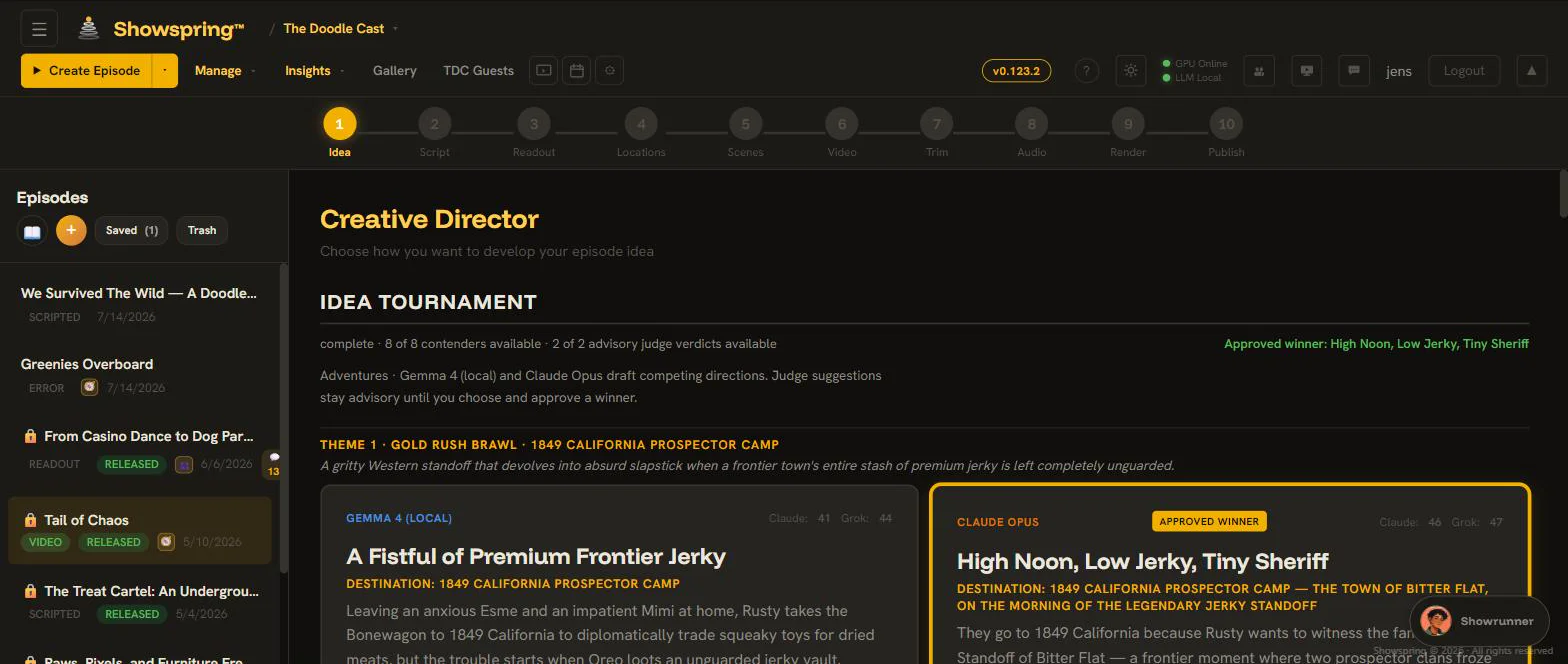
You take an idea from premise to a finished, publishable episode in one workspace. A show bible that builds from what you make keeps every character in voice from one episode to the next.
The shorts and vertical video generator
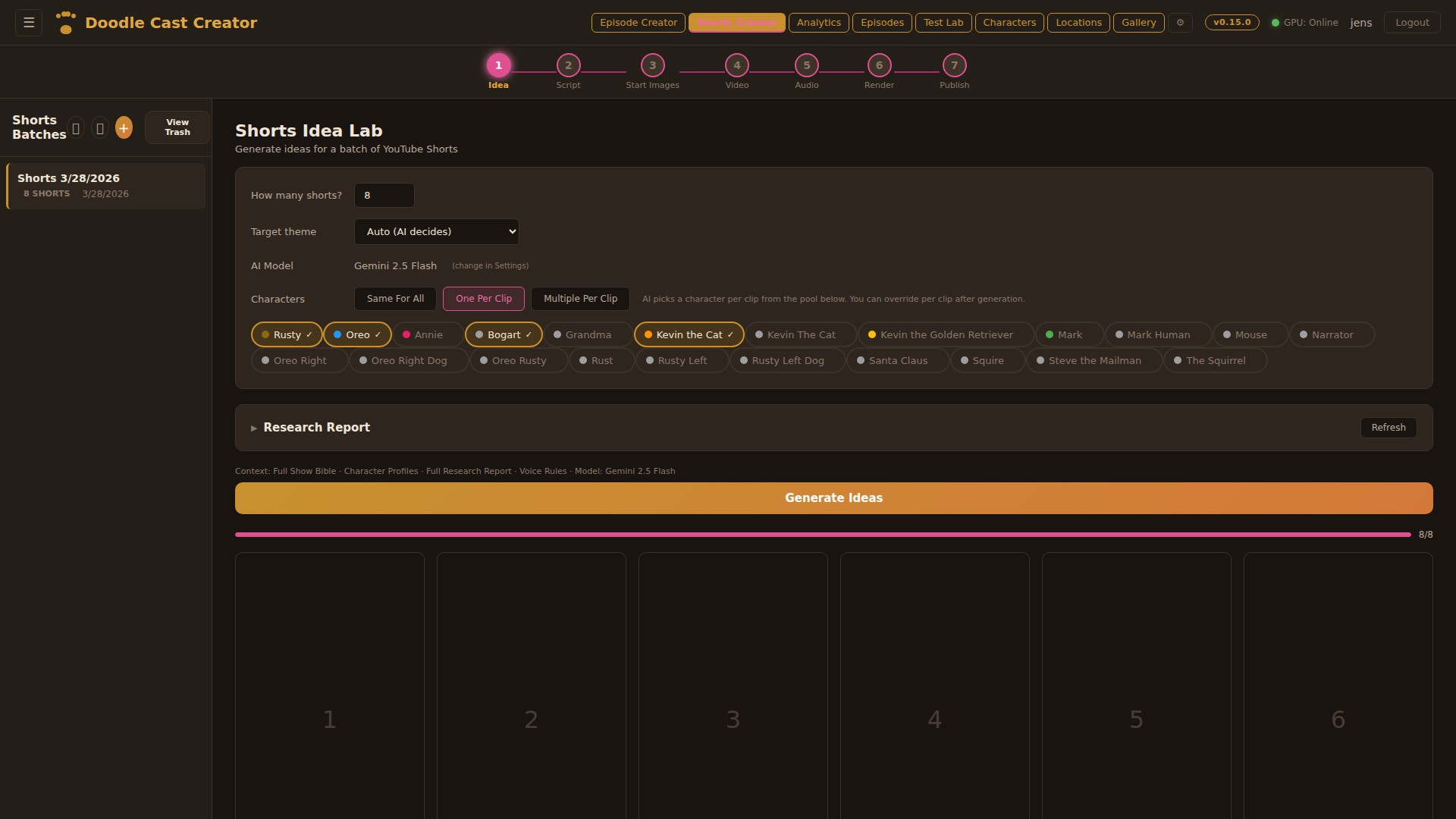
A concept becomes finished 9:16 clips in one self-contained batch: idea, script, still image, animation, audio mix, burned-in captions, and scheduling. Every clip is shot vertical for phones, and the workflow is built around how short-form actually gets watched.
The podcast workflow
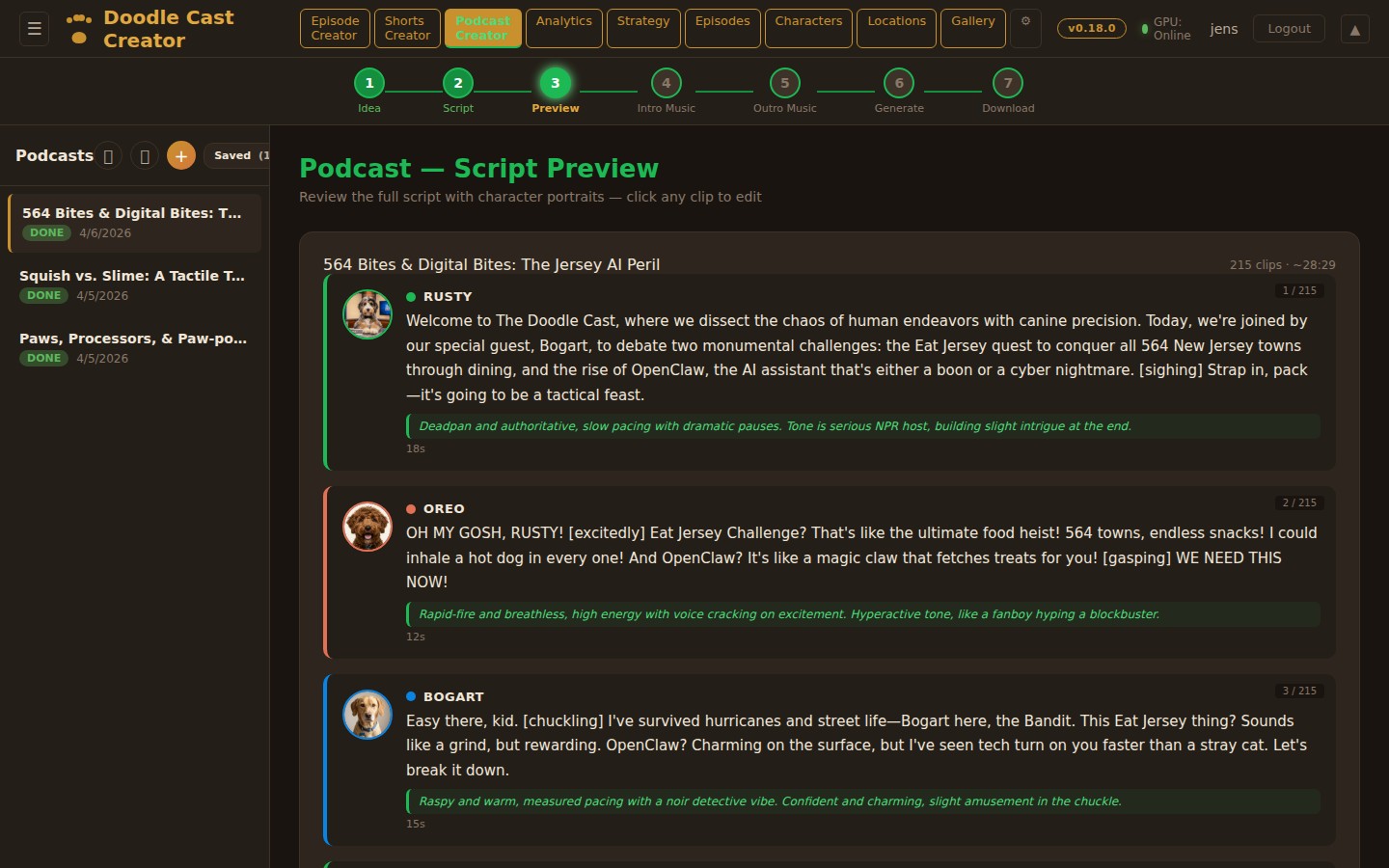
A dedicated audio-first pipeline for podcast-style episodes, from idea through scripted dialogue, per-character voices, intro and outro music, and a final mixed audio file. It reuses the same characters and show bible as the video pipeline, so a podcast sounds like the same cast.
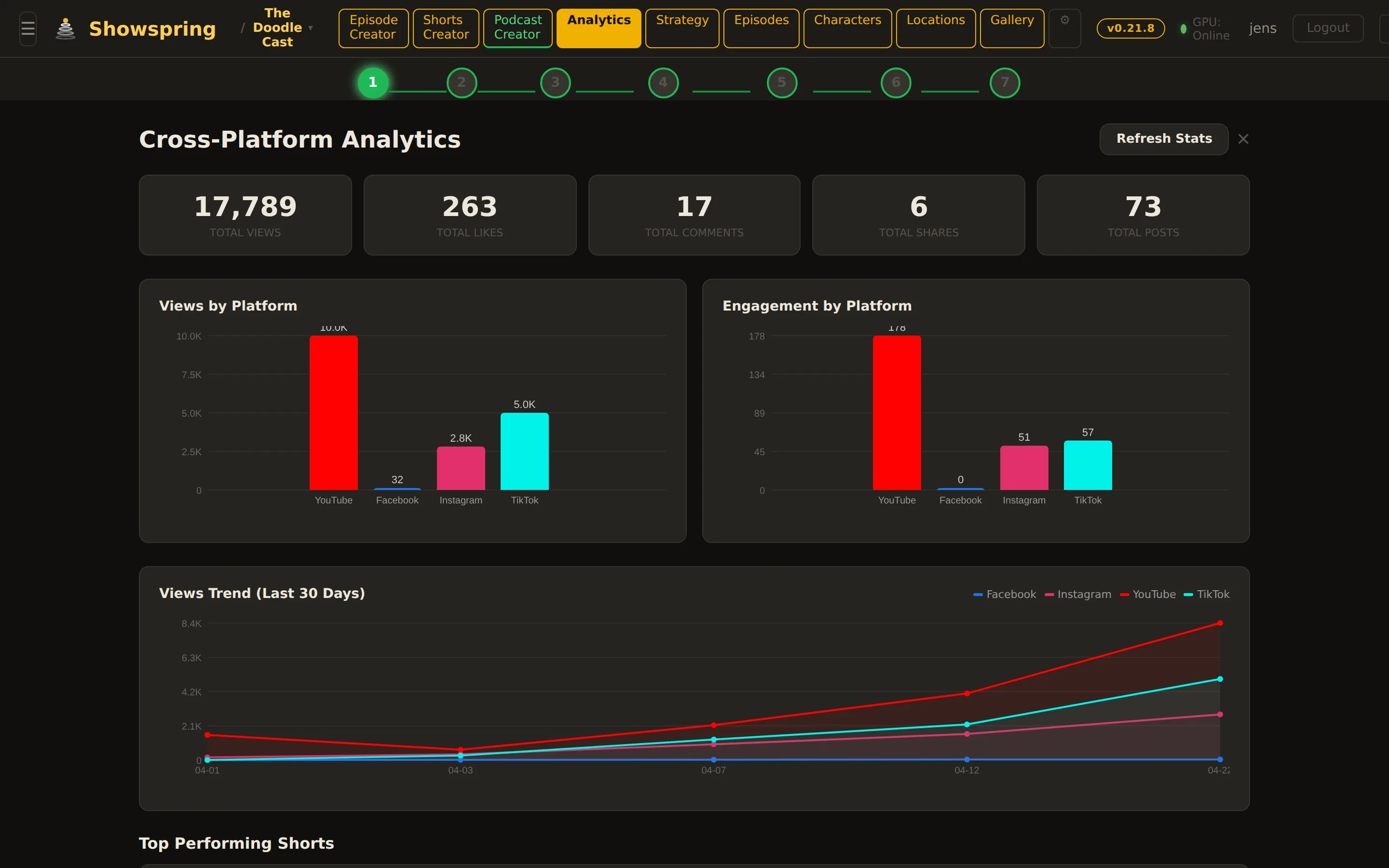
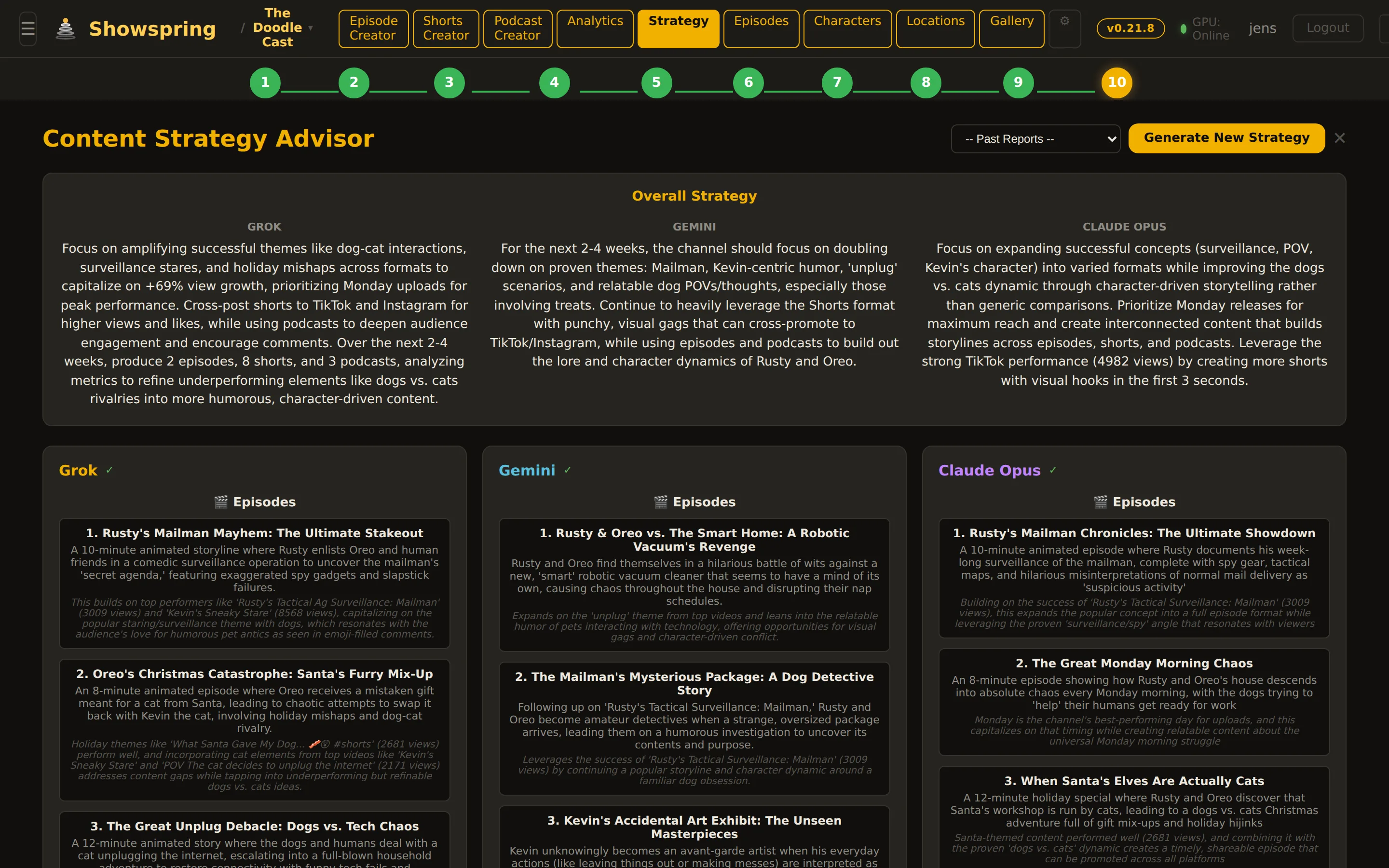
Analytics and the feedback loop
Showspring pulls performance data back from your published content so the next episode is informed by the last one. A tabbed dashboard shows what worked, and that same retention data feeds the idea and script steps.
Review and collaboration with Director Copilot
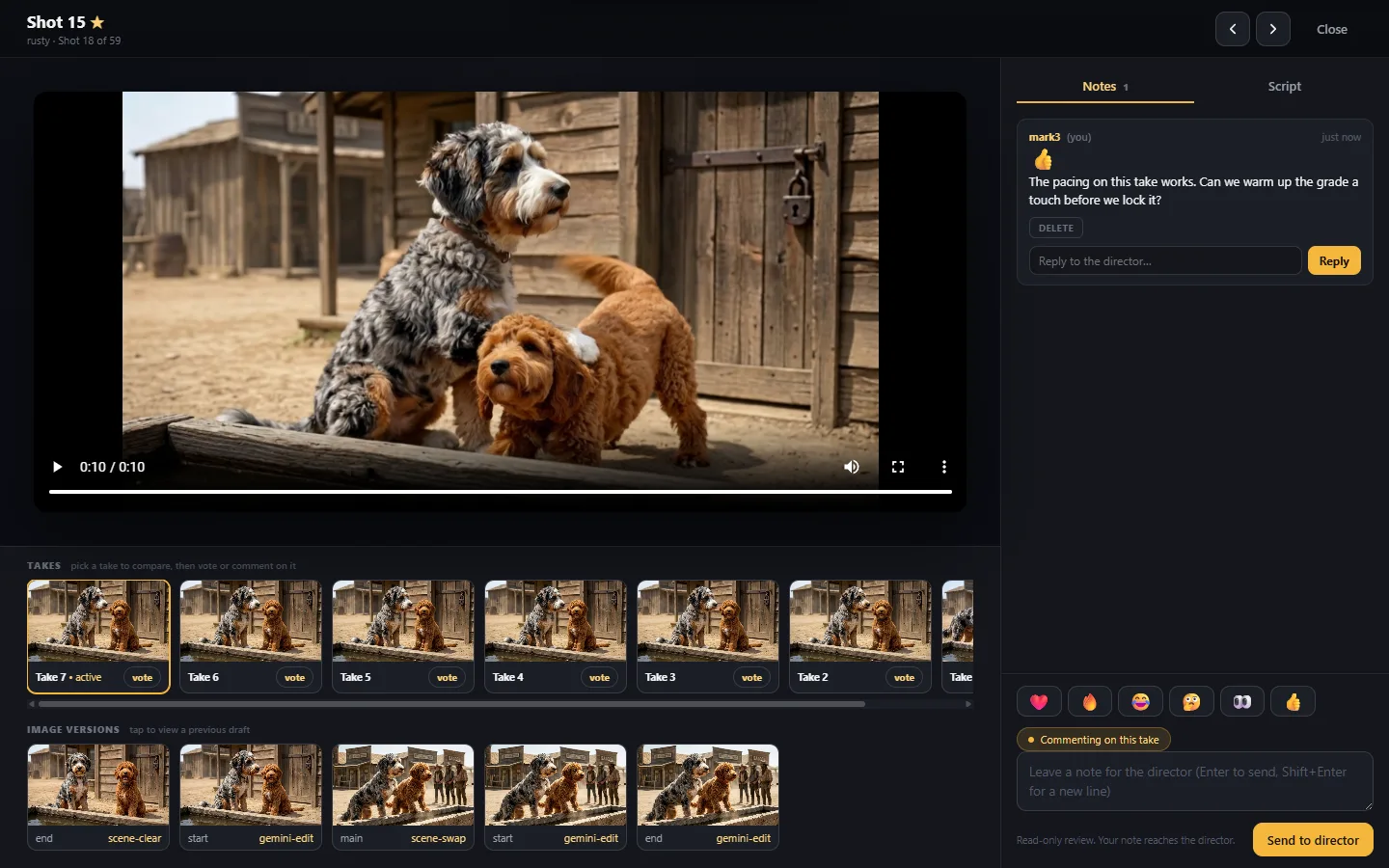
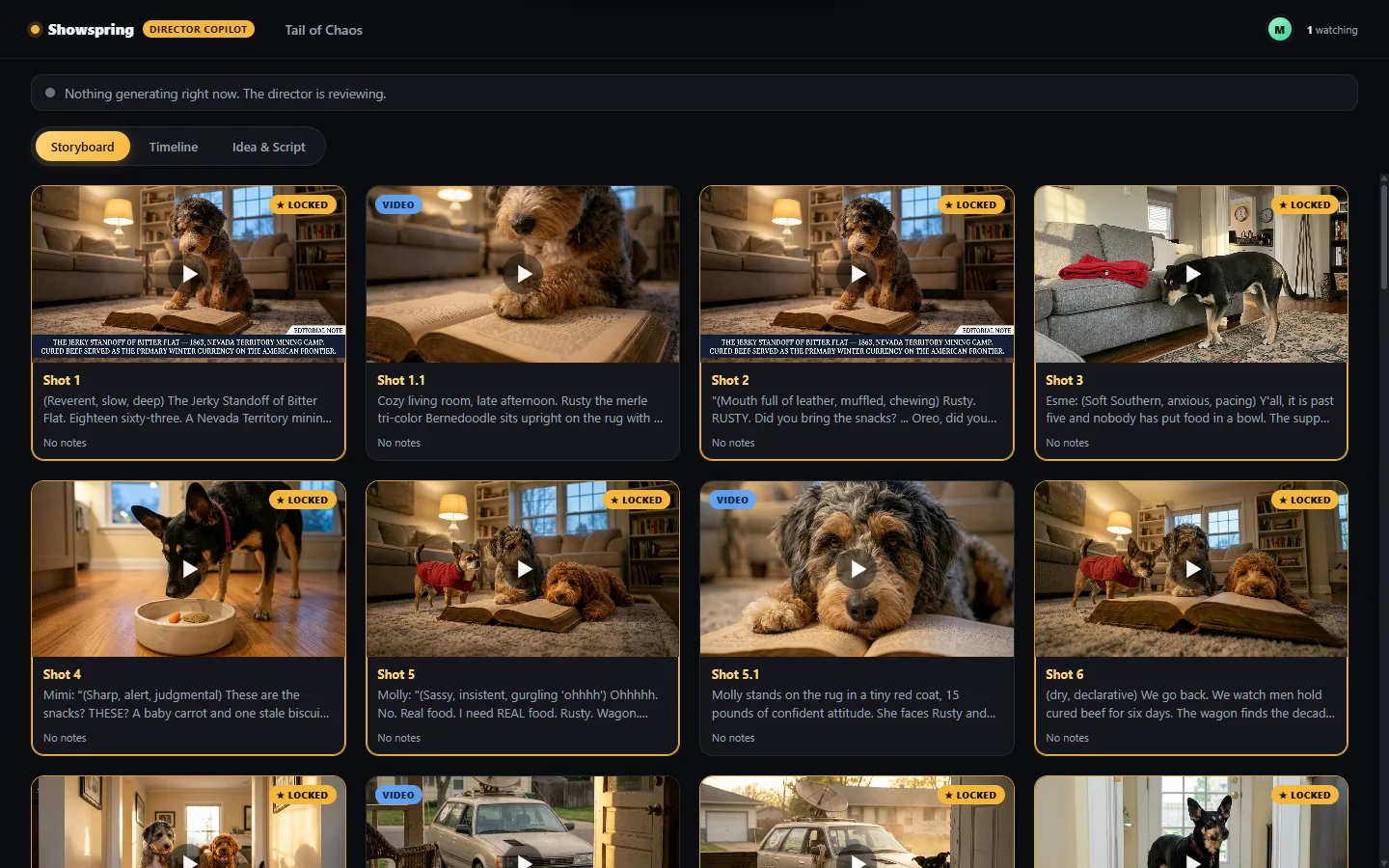
Director Copilot lets you invite trusted reviewers to follow an episode build live and leave feedback, while keeping them strictly read-only. Reviewers watch at a separate viewer site; you see everything in an inbox inside the editor.
Everything else under one roof
The pieces that make the five workflows above hold together, episode after episode.
Workspace and access
- Multi-project workspaceSwitch between multiple shows in one workspace. Each project has its own bible, characters, and accent-color theming, and queries are scoped per project.
- Per-project access controlAdmin-configurable access restricts accounts to specific projects. Sandbox accounts cannot create new projects.
- Cost visibility and sandbox policyAdmin-only usage views break spend down by model and callsite over a time range. A sandbox policy restricts which models cheaper accounts may use.
Characters, locations, and bible
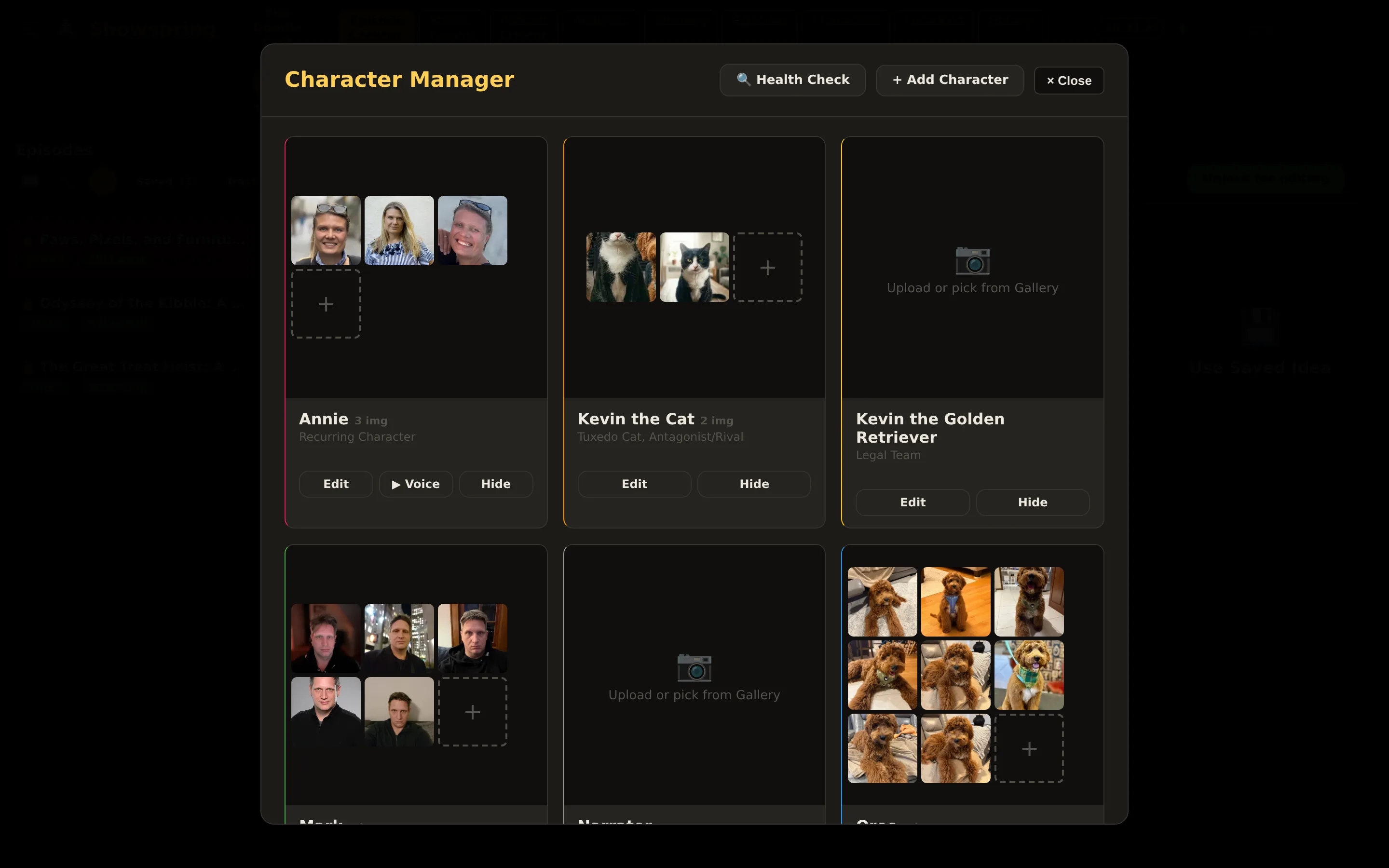
- Character profiles with voicesEach character stores a name, role, personality, visual, speech style, a voice, a voice summary, and reference portraits. Changing a voice refreshes the preview.
- Locations and props databaseFull create, edit, and delete for locations and props, with multi-image uploads and sortable galleries. Clips can be assigned multiple locations and props.
- Show bible with synced video knowledgeA per-project bible plus a video-knowledge index auto-synced from your YouTube uploads, with character mentions tracked. The bible builds from what the show produces rather than being authored before episode one. Optional in-universe post format per project.
Generation engines
- Selectable script modelsWrite scripts with Gemini, Grok, Claude, or an open-weights model, chosen per episode. Sandbox accounts are clamped to cheaper, cost-capped models.
- Multiple image enginesGenerate stills with a choice of image engines, including Gemini and Google Flow. Sandbox accounts are limited to Gemini and Google Flow.
- Multiple video enginesAnimate scenes with Google Veo 3.1 as the default, on a cost-efficient Lite tier, a faster tier, or a Quality tier with your own key. Each render submits a job and polls until the clip is ready. Google Flow is available as an additional engine.
Publishing and distribution
- YouTube publishing and native schedulingShorts and episodes publish to YouTube through the API, with immediate publish or native scheduling, and AI-content disclosure when you enable it.
- Cross-platform metadataPer-platform titles, descriptions, captions, and hashtags are generated for YouTube, X, Facebook, Instagram, and TikTok. Each platform publishes through its own API by default, with X chaining off the YouTube publish and TikTok going out through a Social Champ CSV export. Operators who prefer it can batch YouTube and X through the same bulk CSV.
- Scheduling queue with proposalsA shorts queue tracks queued and proposed states with proposed dates and per-platform timing, recorded per clip and per platform.
- Your own public streaming catalogFinished shows can go to a first-party catalog at showspring.com/shows, a channel-organized, Netflix-style portal with a cinema player, adaptive streaming, and auto-generated captions. You control per episode exactly what is listed, so it is your own distribution surface, not only a cross-post to someone else's platform.
See it on a real show.
Showspring runs The Doodle Cast end to end, episode after episode. Take a look, then tell us about your show.